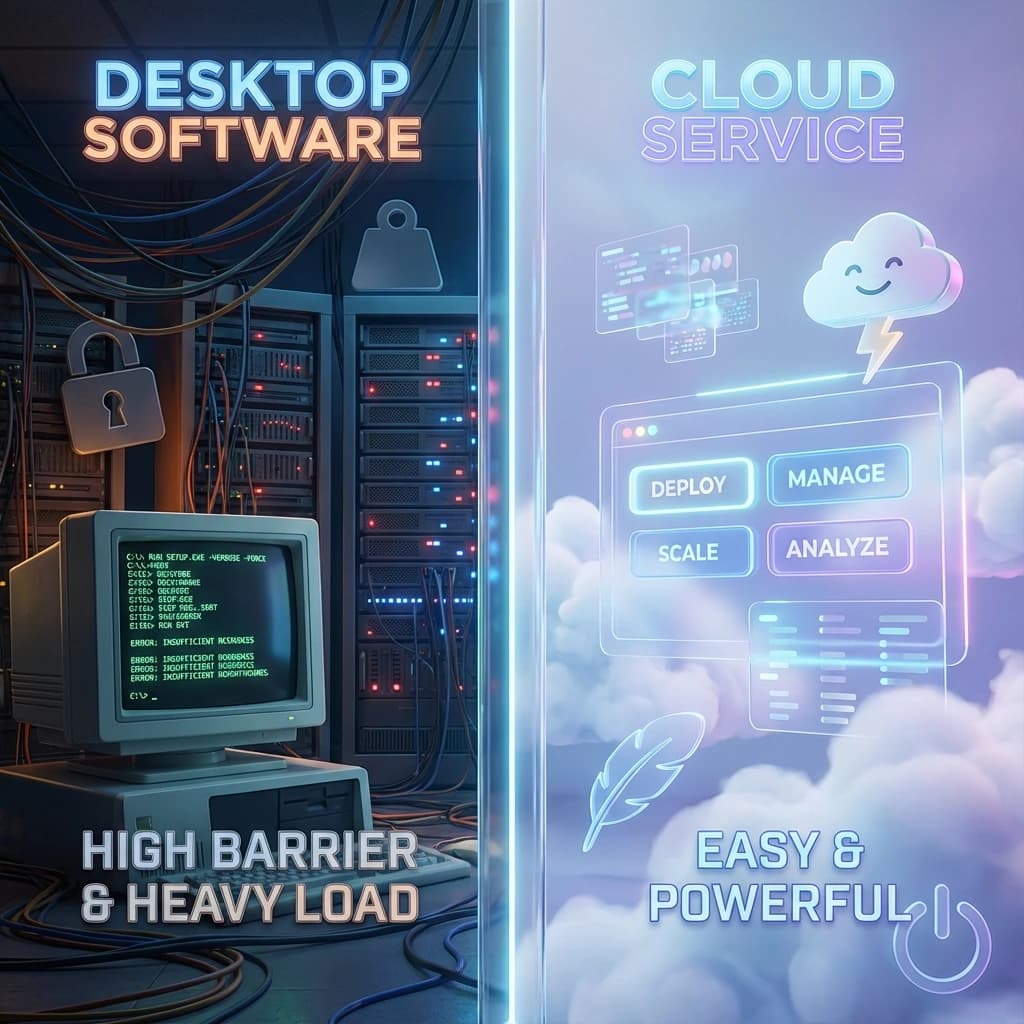
How to Choose Between UVR Online and UVR Desktop

If you are comparing UVR Online and UVR Desktop, the shortest answer is this: if you care more about getting to a result quickly, the online version is usually the better fit; if you care more about local control and deeper tuning, the desktop version is usually the better fit.
This is not a question of which one is more “advanced.” It is a question of which one fits the task you need to finish right now. The real factors are simple: do you want to install and configure a local environment, do you need to manage models and parameters yourself, and are you mainly trying to get a usable result as quickly as possible?
3 differences that matter before you choose
Online is shorter, desktop is deeper
The biggest advantage of UVR Online is not that it sounds newer. It is that the path is shorter.
For most users, the online workflow is usually just:
- Open the page
- Upload the file
- Choose the goal
- Preview the result
- Download it if it works
Desktop feels more like a deeper path:
- install software
- deal with dependencies or environment setup
- study models
- adjust parameters
- repeat the process until the result is right
If what matters most is getting started quickly, previewing quickly, and getting the result quickly, online has a natural advantage.
Desktop depends more on local conditions
Desktop is not unusable. It simply depends more on the local setup being right.
Common requirements include:
- more suitable hardware
- a stable local environment
- willingness to manage models and parameters yourself
- willingness to spend time on testing and tuning
If you already have those conditions, desktop still has value.
But if you do not want to spend your time there, online is usually easier.
The real question is whether you want to research or finish
This is the most important decision point.
If your need sounds like this:
- I just want to turn a song into an instrumental quickly
- I want to preview first and decide after
- I do not want to install a lot of things
- I do not want to learn a full local workflow first
then online is usually the better fit.
If your need sounds more like this:
- I want to control more details myself
- I want to process in batches long term
- I want to compare model differences
- I care more about local control
then desktop is usually the better fit.
If you first want to compare which free online options are actually worth trying, you can also read What Is the Best Free Vocal Remover Online?.
Who is a better fit for UVR Online
People who want a result quickly
If speed and fewer steps matter most, online is usually the better fit.
Typical cases include:
- getting an instrumental quickly
- isolating vocals quickly
- splitting stems quickly
- previewing first and deciding after
The common pattern is simple: you care more about finishing the task than building the workflow yourself.
People who do not want to deal with installation and dependencies
Many users are not avoiding learning. They simply do not want to do a full setup just for this one task.
Online removes these steps directly:
- local installation
- environment compatibility
- model downloads
- parameter interpretation
- GPU limits
If you do not want to spend extra time on those things, online is naturally lighter.
People who mainly want to get the result out
If you just want to turn one song into an instrumental quickly, or test the quality before making a bigger decision, online usually fits that goal better.
If your file is already an MP3, you can also read How to Remove Vocals from an MP3 Online.
Who is a better fit for UVR Desktop
People who want more control
The real value of desktop is not that it is more difficult. It is that it gives you more control.
That usually matters when you want to:
- switch models manually
- tune parameters yourself
- run more detailed experiments
- keep the same local workflow over time
People with long-term, repeated processing needs
If you are not processing one occasional song, but doing this repeatedly and at larger scale, desktop can become more attractive.
That is where spending time on setup can pay off later.
People who already live in a desktop workflow
If you already do local audio editing, cleanup, or mixing, staying inside a desktop workflow can still make sense.
If you want a more concrete example of whether a desktop path is still worth it, you can also compare with How to Remove Vocals in Audacity and When an Online Tool Is Faster.
4 facts that tell you whether you should switch to online
Do you mainly want to preview first?
If hearing the result before making the next decision is the priority, online is usually the better fit.
Do you want to avoid local setup steps?
If you do not want to install software, download models, study parameters, or manage GPU limits, online will feel much lighter.
Do you mainly care about finishing this task now?
If the goal is simply to finish this task, not build a long-term workflow, online usually matches that need better.
Do you already know what result you want?
If your target is already clear, for example:
- an instrumental
- isolated vocals
- more stems
- a more singable backing track
then online will usually move you to the right entry point faster.
Choose the right entry based on the result you want
If you have already decided to go with the online path, you can choose directly like this:
- want an instrumental: use Vocal Remover
- want to keep the singer: use Vocal Extractor
- want more stems: use Stem Splitter
- want a more singable result: use Karaoke Maker
If what matters most is no installation, direct processing, and immediate preview, the shortest path is usually to start directly with Vocal Remover.